JETS 2025 Social Media Kit
SAME JAX has put together the following graphics to assist you with helping us promote the JETS 2025 Conference.
Instructions for use (Easy)
-
Please click on the graphic below that you or your team would like to use. This will open up a PDF document in your browser.
-
Using the download button in the upper right hand corner, download the PDF to your PC.
-
Open the document in Adobe Acrobat
-
Click the Photo icon. This will allow you to easily upload a headshot photo or company logo into the PDF.
-
In Adobe, navigate to Menu > Export a PDF > Image > JPG in order to save the image.
-
Post this image to LinkedIn with the recommended Post Language, below.
Advanced Mode:
Alternatively, your graphics / marketing team can right click on the image you would like to use, below, and "Save Image As." Then, your team can use their favorite graphics software to insert your photo or company logo and export it as a JPG file, and upload into LinkedIn.
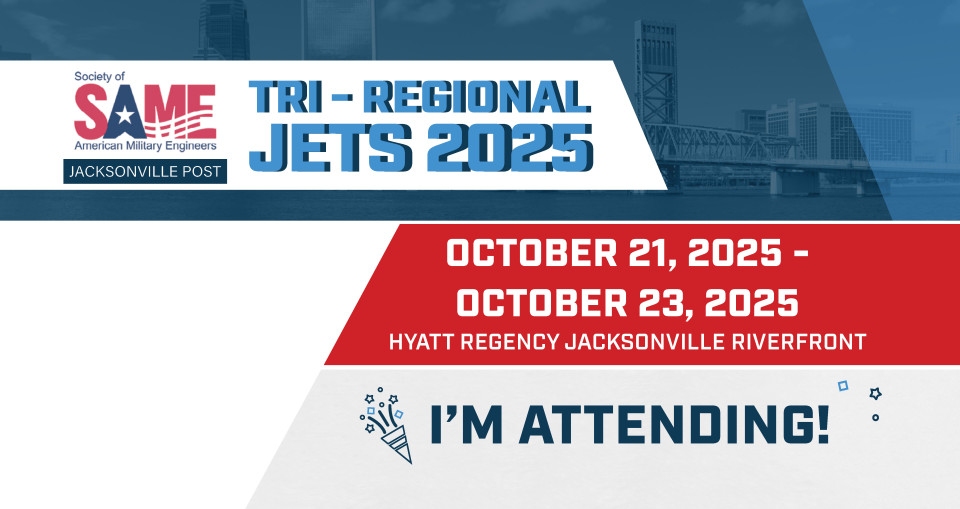
Recommended Post Language:
I am excited to share that I'll be attending JETS 2025 October 21 to 23! Join me at this exciting event by registering or sponsoring through the link below. Can't wait to connect with you at #JETS2025
Visit https://lnkd.in/e7QFzZWC for more information.
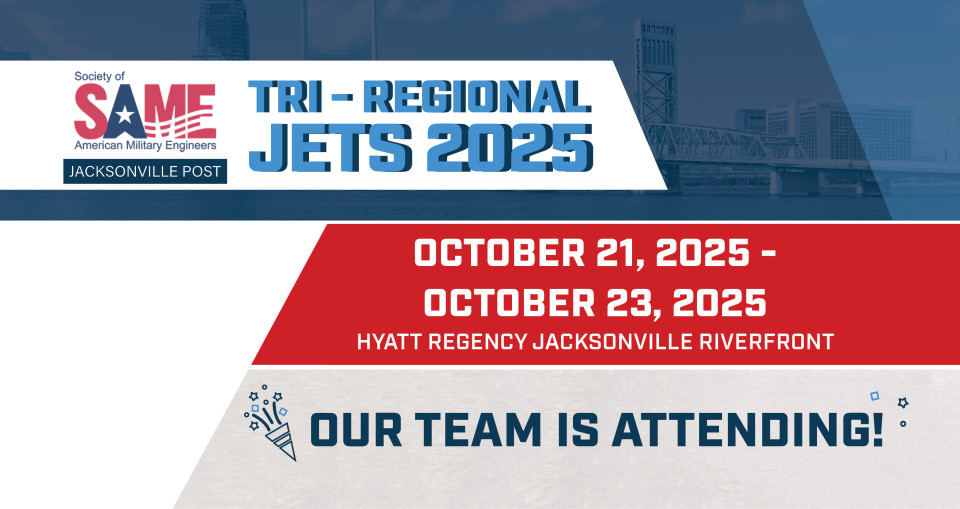
Recommended Post Language:
[COMPANY NAME] is excited to share that we will be attending JETS 2025 October 21 to 23! Join us at this exciting event by registering or sponsoring through the link below. Can't wait to connect with you at #JETS2025
Visit https://lnkd.in/e7QFzZWC for more information.
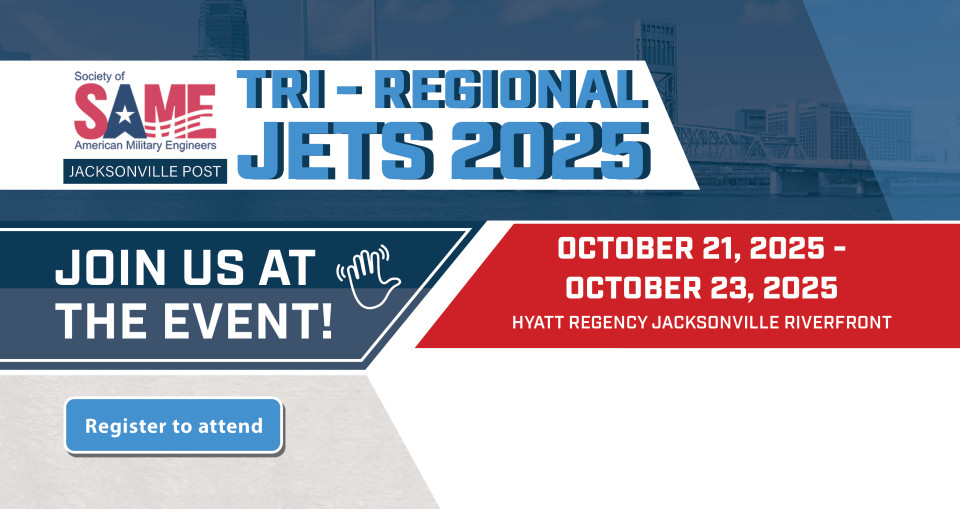
Recommended Post Language:
[COMPANY NAME] is excited to share that we will be attending JETS 2025 October 21 to 23! Join us at this exciting event by registering or sponsoring through the link below. Can't wait to connect with you at #JETS2025
Visit https://lnkd.in/e7QFzZWC for more information.
